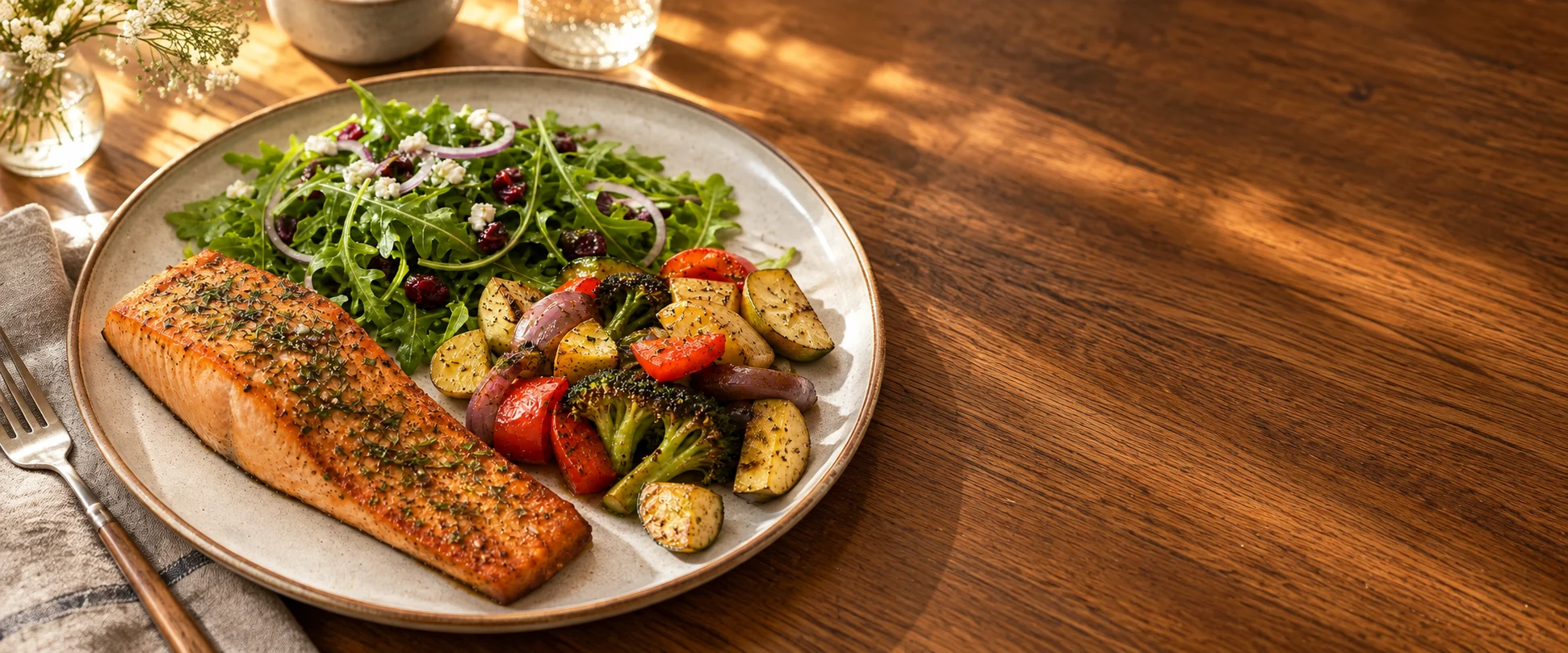
Video-first capture
Take a quick video when the meal needs angles, context, or spoken detail.
AI-first nutrition tracking for real meals.
Start with a video, photo, voice note, upload, or short message. Aretic turns the context into a calorie and macro estimate you can review, correct, and keep aligned with your day.
Meal tracking without the logging ritual. More context in, clearer estimates out, and one calm daily view.

Take a quick video when the meal needs angles, context, or spoken detail.
Modern AI helps turn messy meal context into a readable estimate.
Supported devices and clear captures can add depth, motion, surface, and scale cues.
Say the fix, add an after photo, or edit the same meal without relogging.
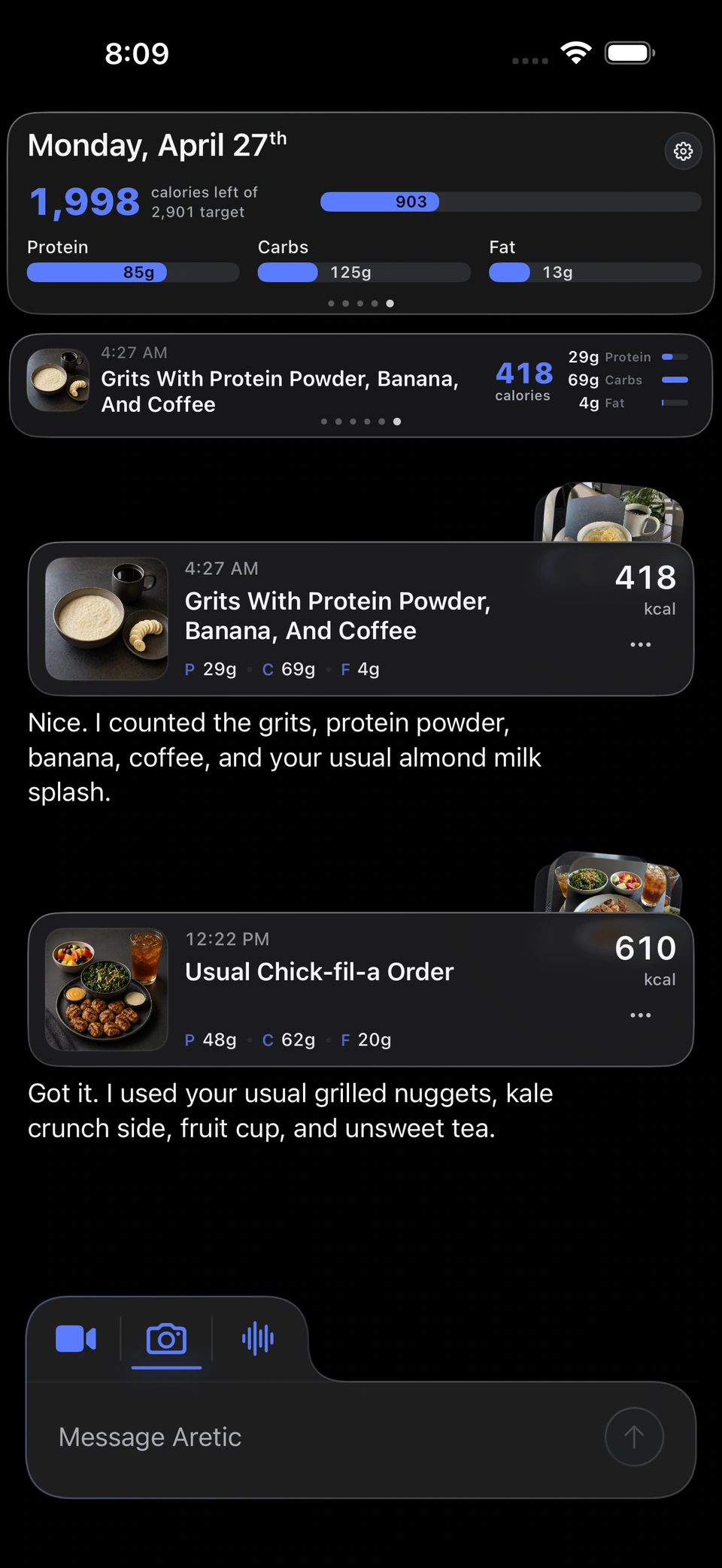
Usual coffees, breakfasts, dressings, and restaurant orders can get easier over time.
Meals, workouts, targets, and guidance stay in one focused daily view.
How it works
Aretic keeps the loop simple: show the meal, review the estimate, correct what changed, and move on without rebuilding the log manually.

Video capture
Show the meal while you explain it.
Albums
Done
Video-first capture
Video gives Aretic angles, spoken context, and portion clues in one quick capture. Photos, uploads, voice, and text work too when they fit the moment better.
Built for real meals
Restaurant plates, leftovers, mixed bowls, sauces, brands, and home cooking rarely fit clean database entries. Aretic starts from the meal and uses modern AI with the context you provide to build a clearer estimate.
Aretic starts from the meal instead of making you search, scan, select, adjust, and save.
Optional notes, public food context, and the capture itself help Aretic handle meals as they are eaten.
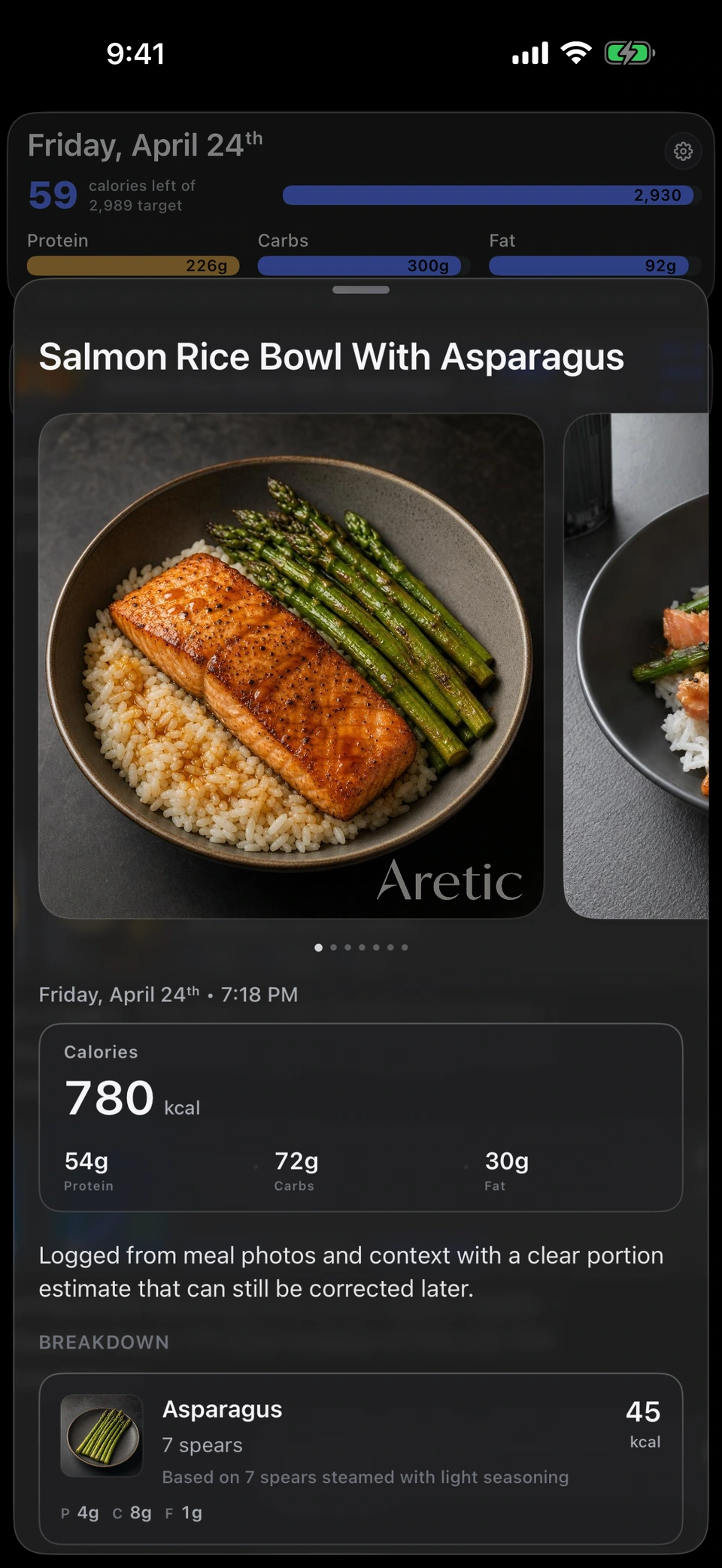
The result is a calorie and macro estimate you can review before relying on it.

Portion context
Some meals are hard because portion size is hard. Aretic is designed to use more context than a flat photo, including depth-aware cues on supported devices, visible surfaces, motion, and familiar scale cues.
Supported iPhones and capture conditions can provide depth-aware context for the estimate.
Visible surfaces, motion, and familiar objects can help Aretic reason about size.
The parts of the estimate that matter should stay legible before you trust the number.
When the estimate is off, say the fix and keep going.

Correcting Meal
Chicken bowl
690 kcal / 48P / 74C / 18F
Corrections
A useful tracker should expect adjustments. Correct ingredients, portions, assumptions, or what you actually ate in plain language without starting over.
"Make that almond milk." "I ate half." "Drop my target a bit."
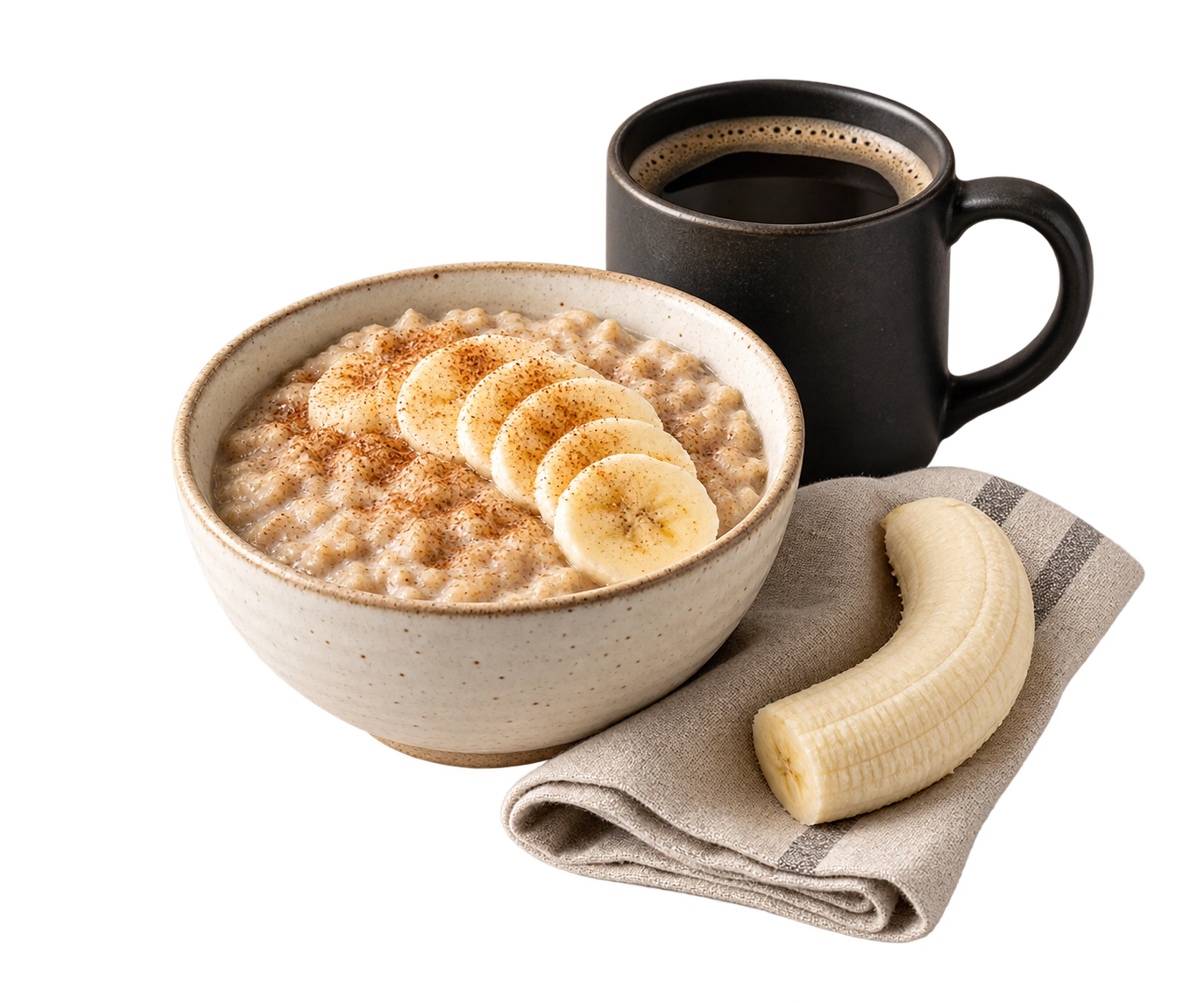
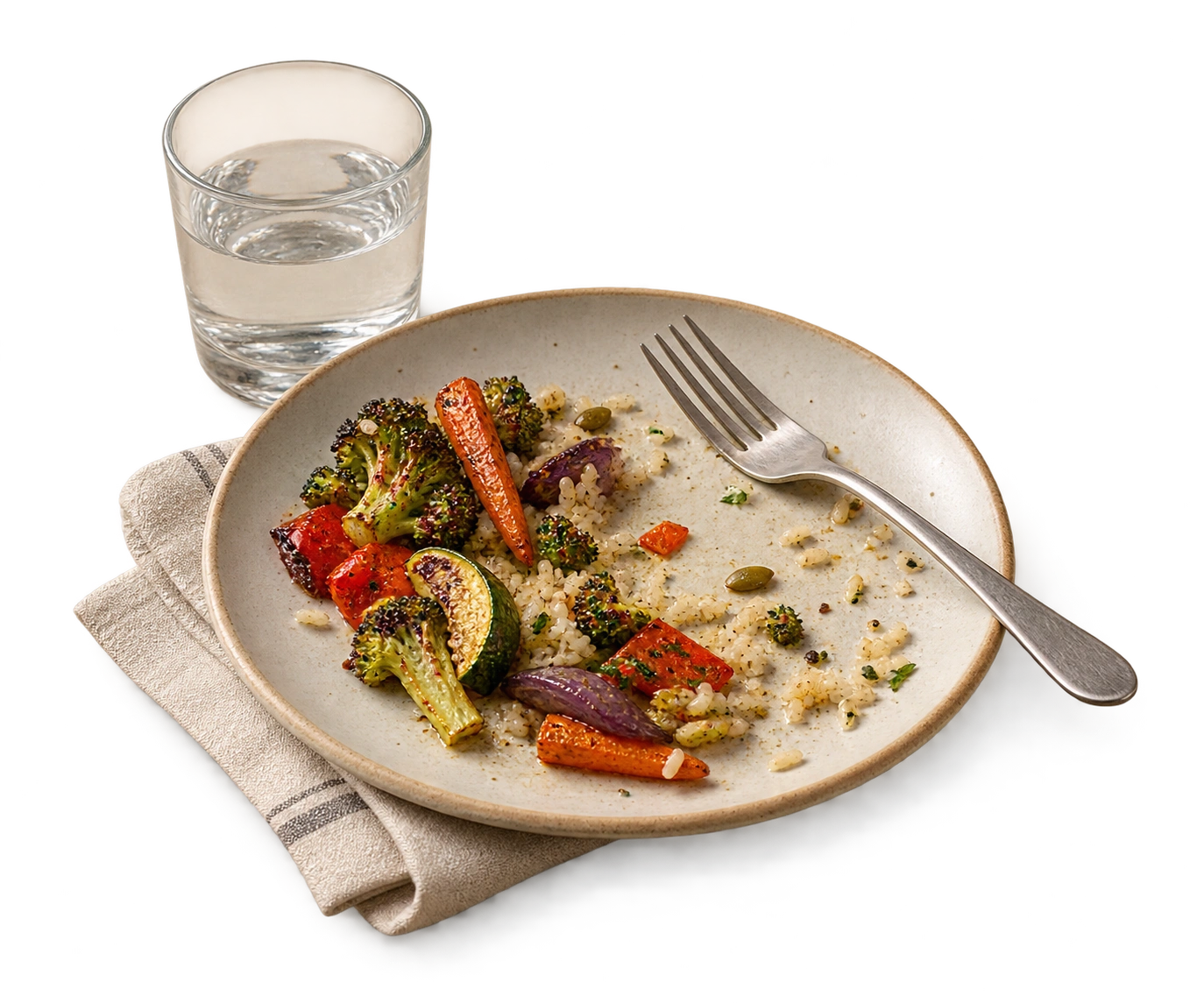
Add a photo later when the meal should reflect what you actually ate.
Corrections stay tied to the entry instead of creating a messy second record.
Usuals
Your regular meals get easier.
Breakfast bowl, oat milk latte, house dressing.
Oat milk latte
remembered context available
Eggs and toast
remembered context available
Chicken bowl
remembered context available
Memory
Regular coffees, breakfasts, dressings, restaurant orders, snacks, and meal patterns can become easier to log next time. Memory should make tracking feel personal, not invasive.
One calm day
Swipe days, swipe meals, tap for details, and keep calories, macros, workouts, targets, and guidance in one focused view.

Workouts
Connect Apple Health when enabled, or add workout context from a screenshot, voice note, or message. Activity can inform the day while staying editable.

Focused by design
Aretic is built around the nutrition record: capture, estimate, correct, and stay on target. The product stays quiet because tracking only works when you keep using it.

Why Aretic
Aretic begins with arete: the classical idea of excellence, virtue, and a thing fulfilling its purpose well. The name carries that meaning without turning the product into a philosophy lesson.
The -ic ending makes it operational: of excellence, relating to performance, built to do the job properly. It gives the name a technical shape, closer to words like analytic or systemic than to an abstract ideal.
For Aretic, that means turning messy real meals into a clear, editable nutrition record. Capture what is actually there, use the context carefully, and keep the day readable enough to trust and correct.
Aretic is an AI-first nutrition tracker for iPhone. It lets you capture a meal quickly and turns the context into a calorie and macro estimate you can review, correct, and keep aligned with your day.
Yes. Meals can start from a video, photo, upload, voice note, or short message. Aretic turns the context into an estimate you can review.
Video can add angles, motion, and spoken context when one flat photo is not enough, especially for restaurant meals, mixed plates, and hard-to-see portions.
No nutrition estimate is perfect. Aretic is designed to make assumptions visible and corrections easy, so the record can become more trustworthy over time.
On supported iPhones and capture conditions, Aretic can use depth-aware context. Other captures may use estimated scale cues when there is enough reliable detail. These cues support the estimate; they do not turn it into a perfect measurement.
Aretic is designed so regular coffees, breakfasts, dressings, snacks, and restaurant choices can become easier to log next time. Memory should help the record, not make the product feel invasive.
Yes, when the after-photo update flow is available. You can add an after photo or correct the meal in plain language so the entry better reflects what you actually ate.
When connected and enabled, Aretic can use workout context from Apple Health. Activity context is treated cautiously and remains editable.
No. Aretic is a personal tracking tool. It is not medical advice, clinical nutrition care, or a substitute for a professional.
Download Aretic
Take a video, review the estimate, and correct the day naturally. Aretic is built for iPhone and designed to make tracking feel like capture, not data entry.